![appulatelogo-1.svg]](https://help.appulate.com/hubfs/appulatelogo-1.svg)
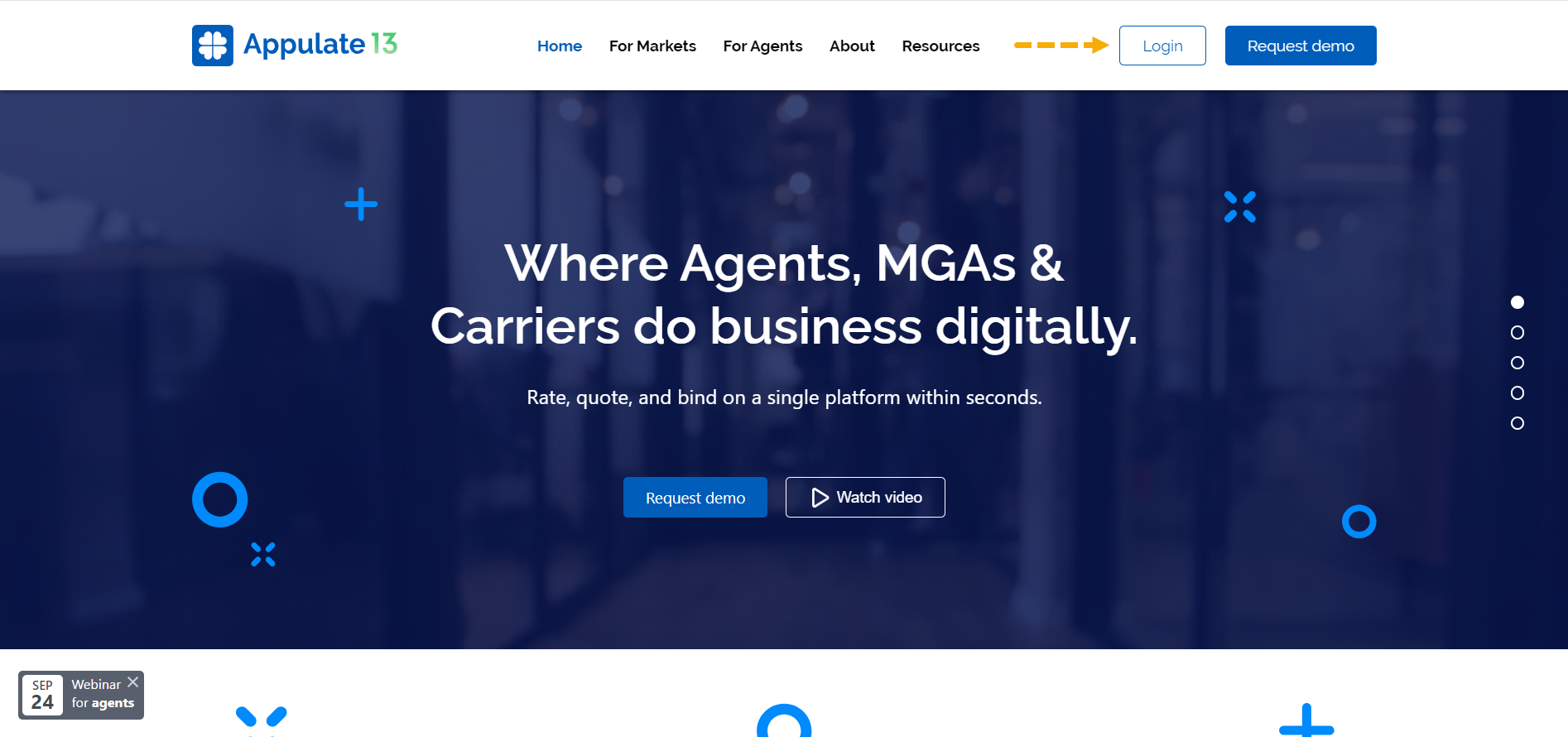
- To log in to your account in Appulate, go to appulate.com and click Login in the header.
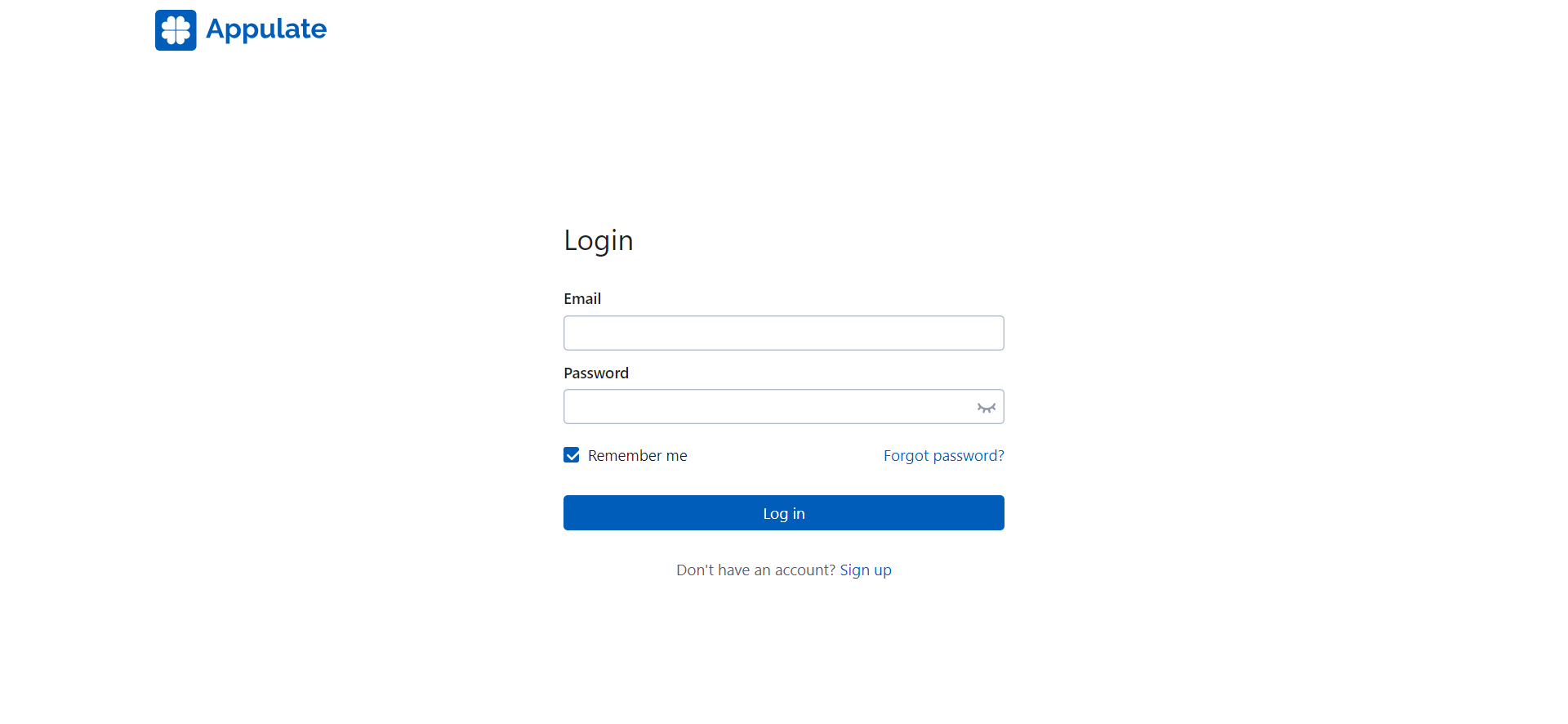
2. Enter your email address and password and click Log in.
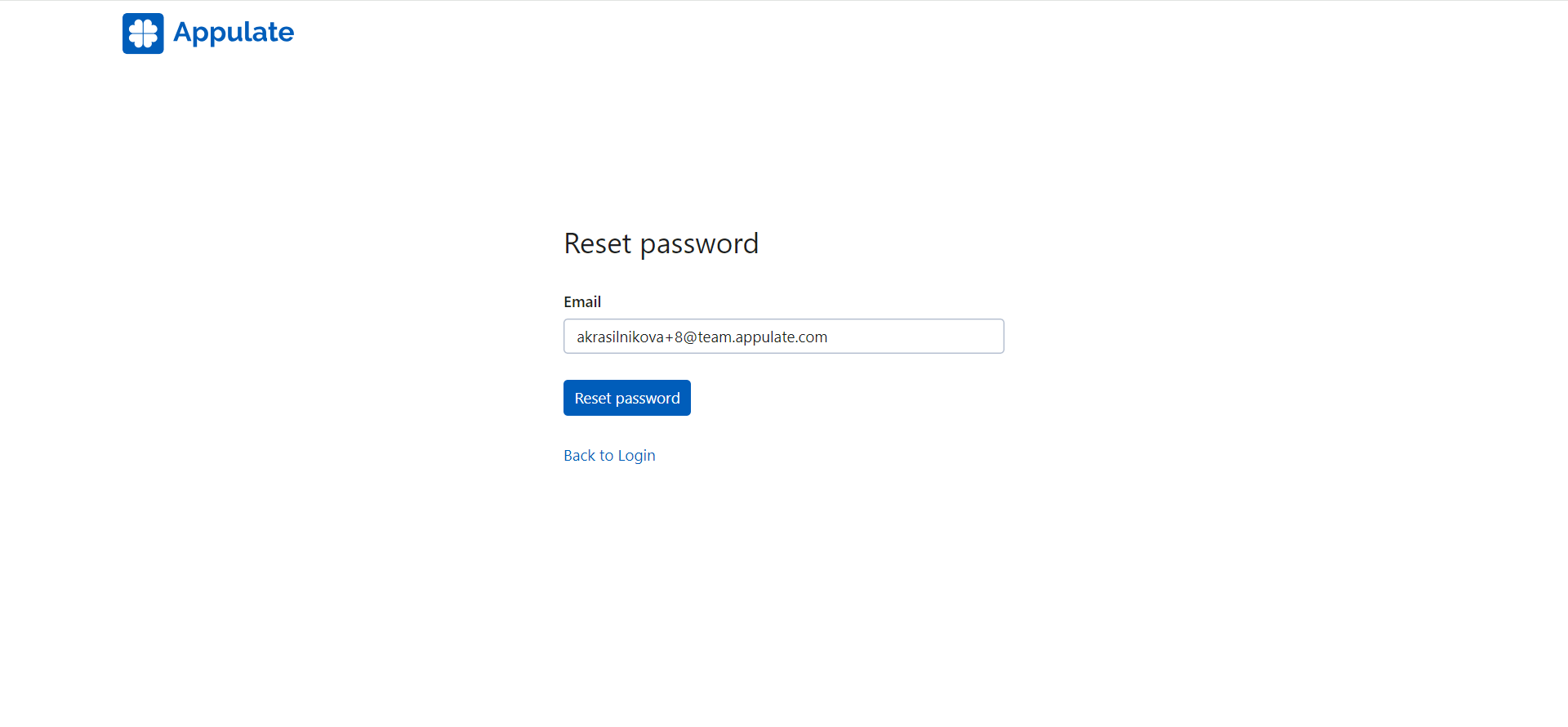
- If you've forgotten your password or want to set a new one, click Forgot password? and you will receive an email with a link to create a new password.
Note: For more information, see Password reset.
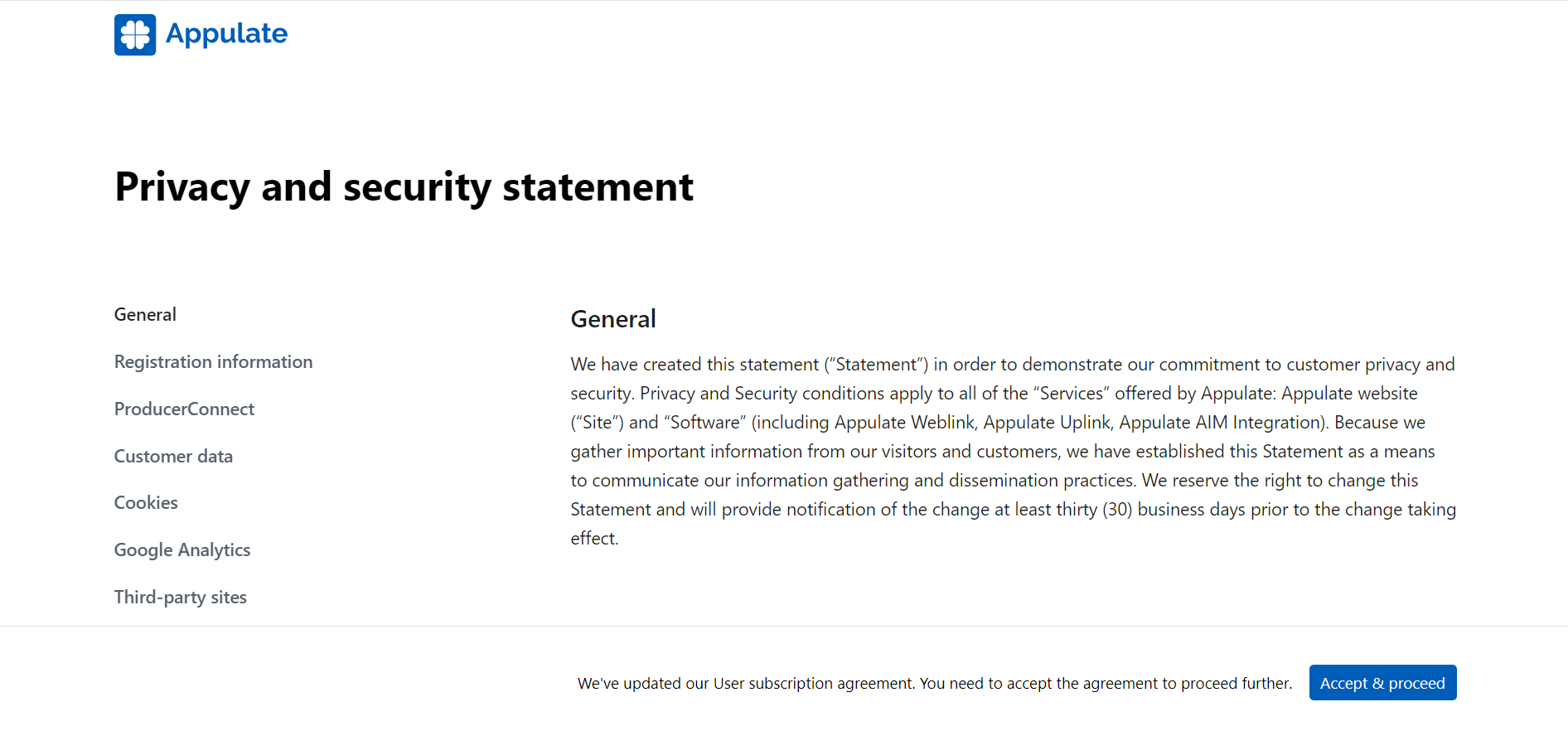
- When logging in, you might also be shown Appulate's Privacy and security statement. You need to accept it to proceed.